Sales Date and Proforma Invoice
SALES DATE – new field on the invoice
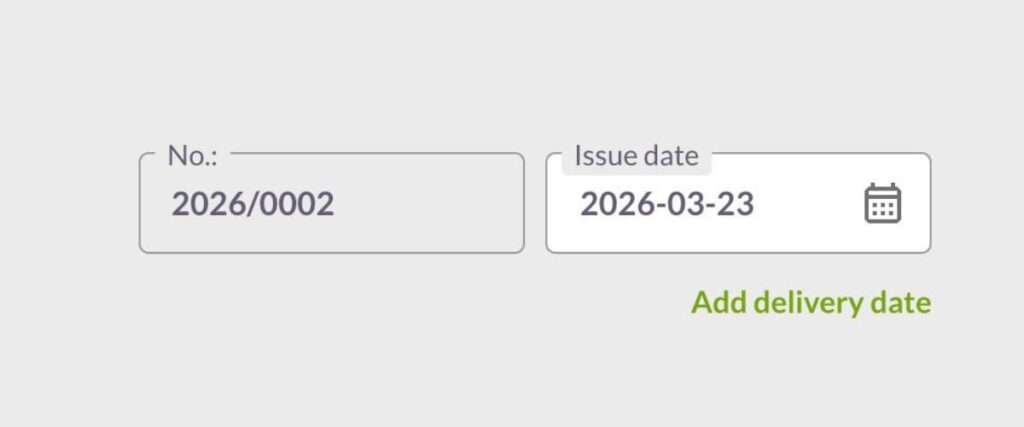
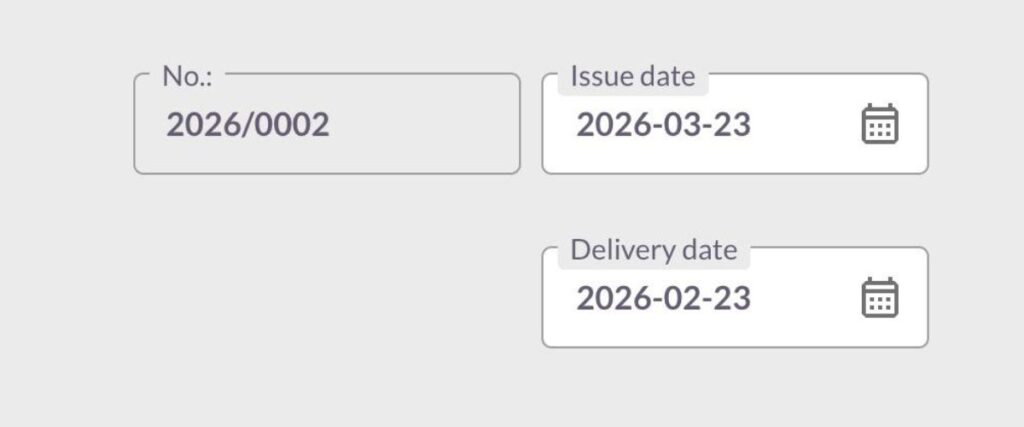
An invoice must meet different requirements depending on the country, type of service, or e-invoicing system. That’s why we’ve introduced a new field: SALES DATE. It allows you to separate the invoice issue date from the actual date of service or delivery.
How does the new field work?
- the SALES DATE field is available when creating an invoice,
- filling it in is not mandatory,
- if you don’t change it, it will automatically match the invoice issue date,
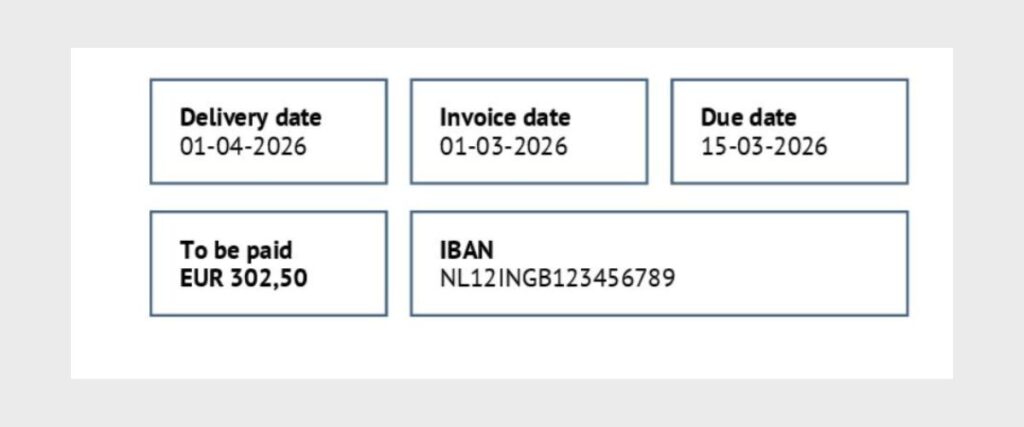
- the selected date is visible on the invoice PDF.
When should you use it?
This field is especially useful when:
- you perform a service on a different day than you issue the invoice,
- you want to clearly show the client when the service was completed (e.g. end of works),
- you work on projects and invoice for a specific period.
In many European countries (including the Netherlands), the date of delivery or service is an important part of the invoice. It helps clearly indicate when the transaction took place and supports correct VAT reporting.
This is also part of adapting the system to e-invoicing requirements, including KSeF, where distinguishing between dates is important for proper transaction reporting.
PROFORMA INVOICE
We’ve also introduced the option to create proforma invoices directly in the system.
A proforma is a commercial document that looks like an invoice, but is not an accounting document. It does not create a tax obligation or a payment obligation and is not included in accounting.
Read more about proforma HERE.
How does it work in eFaktura.nl?
- you create a proforma just like a regular invoice,
- you can send it to your client or download it as a PDF,
- you don’t need to share it with your accountant,
- once the payment is received, you can convert it into a sales invoice with one click.
This way, you avoid unnecessary documents and keep your accounting clean and organized.